
App guides step by step
Guides for the Gwak Gwak POS. Read one, then do it in the app. Stuck somewhere? Message the team on LINE @gwakgwak


-
 Getting started
Start selling with a POS app on your phone
From downloading the app to your first bill, on one phone or tablet. No POS terminal to buy.
Read the guides -
 Taking payment
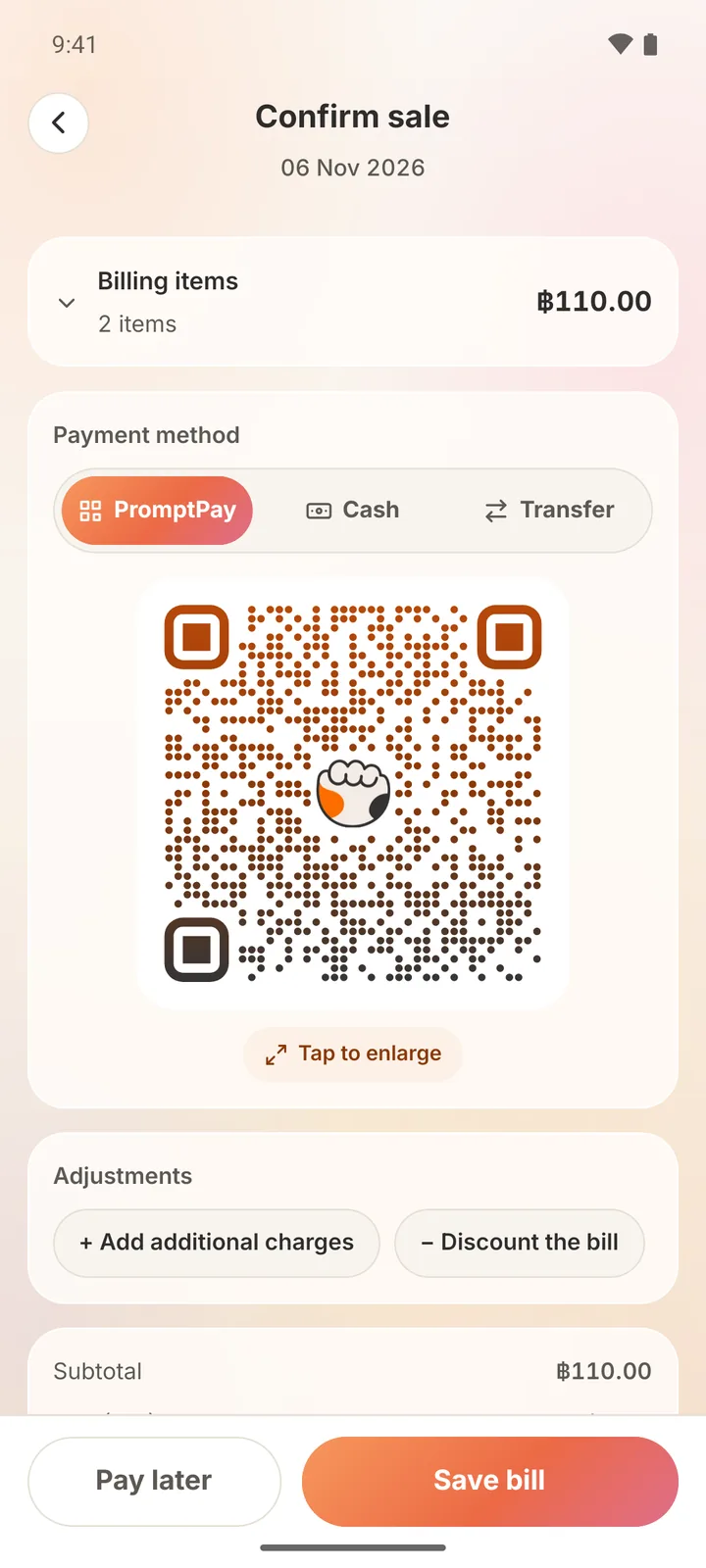
Take PromptPay with a QR for the bill amount
Set it up once, and every bill gets a PromptPay QR with the amount already in it. Customers scan and pay with their banking app, with no amount to type.
Read the guides -
 Stock
Set your starting stock and get low-stock alerts
Count everything once, then let the app take stock off every bill and warn you before things run out or expire.
Read the guides
Shop playbooks: what to do, and when
Guides teach one task at a time. A playbook starts from a problem your shop has, then tells you what to do in the app at each stage, from setup to the end of the month.
PlaybookStock that never runs out or expiresPlaybookClose the day with figures that matchPlaybookYour first day with the appPlaybookBring regulars back more oftenPlaybookA shop with staffPlaybookOpen a second branchPlaybookA shop that issues tax invoicesPlaybookA market stall on one phonePick by the problem you haveAll playbooks
Want to know what each feature does?
See all the app’s features, and which plan has each one.